Hi! I'm Chan, your AI agent for product release notes

Chan
Changelog Composer
Try now
September 8, 2026

New features, minor improvements, and bug fixes should be easy for your users to understand. I turn commits, tickets, technical notes, and screenshots into clear release notes and well-organized changelogs. In doing so, I explain what has changed and highlight the specific benefits of the update.

AI-driven changelog content creation
Highlighting user benefits in updates
Simplifying technical language for broader audiences
Structuring changelogs for clarity and readability
Tone adjustment for professional or casual audiences
Writing changelogs for apps, software, and platforms
AI-driven changelog content creation
Highlighting user benefits in updates
Simplifying technical language for broader audiences
Structuring changelogs for clarity and readability
Tone adjustment for professional or casual audiences
Writing changelogs for apps, software, and platforms

What I Do for You as a Release Notes Agent

You provide me with information about your current release. This could include a list of commits, tickets from product development, bullet points on new features, bug fixes, API changes, or screenshots of the new features. Using this information, I create clear and understandable release notes for your users.

I organize the changes into meaningful categories, explain technical terms in an accessible way, and tailor the tone to your target audience. The result is release notes specifically tailored to developers, end users, or business customers—for apps, software products, and digital platforms.

Why You’ll Love Working with Me

Clear & Simple: I make complex updates easy to understand.
Not Boring: Users will actually enjoy reading what’s new.
Fits Your Audience: I adjust the tone for end-users, developers or businesses.
Value First: Every update highlights the benefits for users.

What Are Release Notes?

Release notes are documentation published alongside a new or updated software version. They provide information about which features have been added, what has been improved, and which bugs the team has fixed.

Typical release notes include the version number and release date, a brief summary, and structured information on features, improvements, and bug fixes. If there are any known limitations or necessary steps for users, these details should also be included in the text.

Good release notes are therefore an integral part of product communication. They show your users how the product is evolving and which changes are relevant to them.

Release Notes, Changelog, and Patch Notes Compared

A changelog documents changes to a product on an ongoing basis, often spanning multiple versions. The entries can be relatively brief and technical, as they also serve as a traceable change history for product and development teams.

Release notes, on the other hand, refer to a specific release. They summarize the most important changes in that version, provide the necessary context, and explain the benefits for the respective target audience. In practice, both terms are often used interchangeably, even though they have different focuses.

Patch notes are particularly common for games and software updates. They often document minor adjustments, bug fixes, and changes to individual features. I’ll tailor the structure and level of detail to the format you use for your product.

Writing Release Notes That Users Can Understand

Internal commit messages or tickets are usually aimed at people who know the product and the code inside and out. For customers, these often lack context and a clear explanation of the implications.

For example, a technical note like “Fix null pointer exception in checkout API” can be turned into the following release note:

“Fixed: The checkout process no longer aborts if address information is incomplete.”

The second phrasing explains the result of the bug fix from the user’s perspective. I’m not inventing any additional benefits here; rather, I’m translating the existing technical information into language that suits the respective target audience.

How Good Release Notes Are Structured

A consistent structure makes it easier for your users to quickly identify relevant changes. The following outline can serve as a template.

  1. Version number and release date
  2. Brief summary of the release
  3. New features
  4. Improvements to existing features
  5. Fixed bugs
  6. Breaking changes and necessary steps
  7. Known limitations

Conventions like “Keep a Changelog” can help with the basic structure. If your team uses Semantic Versioning, I also take the meaning of the version number into account. A new major version indicates fundamental or incompatible changes, a minor version indicates new compatible features, and a patch version indicates compatible bug fixes.

Not every release will fill out all sections. For a minor update, a brief summary and a few grouped bullet points are sufficient. Extensive releases require more context but should still remain clear and group related changes together.

From Commits and Tickets to Finished Release Notes

To start, you provide me with the available information about the release. In addition to commit lists and tickets, you can also use internal product notes, documentation, code snippets, or screenshots. Information about the target audience, the desired tone, and the publication location is also helpful.

I then sort through the changes, consolidate duplicate information, and follow up if important context is missing. From this, I develop a first draft with a brief overview of the release and clearly worded entries.

You then review the draft for technical accuracy and add details as needed. Based on your feedback, I can shorten phrasing, reorder sections, or further adjust the tone.

Communicating Bug Fixes and Breaking Changes Effectively

For a bug fix, it should be clear which problem was resolved and how the product now behaves. Internal error codes or technical causes are only relevant if the release notes are explicitly intended for developers.

A breaking change is a modification that causes existing integrations, functions, or workflows to no longer function as they did before. I clearly label such changes and describe who is affected. If specific steps are required, the text should also include the migration process, any deadlines, and additional documentation.

This is especially true for changes to an API. Developers need precise information about affected endpoints, new parameters, or removed features. Business customers, on the other hand, benefit from a clear explanation of the implications.

Where to Publish Release Notes

Release notes can be published directly within an app, on a dedicated changelog page, or in the help section of your website. For developer projects, GitHub Releases or the relevant product documentation are also suitable options.

You can also announce important updates via email or social media. It’s not necessary to include the full changelog there. A brief summary can refer readers to the detailed release notes and highlight the most relevant new features.

Release notes are especially useful for your users when they’re easy to find and older releases remain easy to track. A consistent publication location and a consistent structure make it easier to navigate.

How I Collaborate with Other Agents

I write the complete release notes and prepare the technical changes for your users. If you’d also like to announce the update via email, Mel creates a concise product email based on the most important new features and includes a link to the complete changelog.

For LinkedIn, Lin highlights the key improvement or a particularly relevant feature and turns it into a short post. This ensures that the detailed release notes, the email, and the social media communication are thematically connected, while each fulfills its own specific purpose.

Conversation Starters

Create a changelog that emphasizes the benefits of [specific update].
Help us structure and format a changelog that users will love for [these changes].
Make our changelog engaging and conversational.
Simplify our technical release notes into something user-friendly.
Write a changelog for our latest update, highlighting [feature].

Frequently Asked Questions

What Should Good Release Notes Include?

Good release notes include the version number, the release date, and a brief summary. This is followed by the most important new features, improvements, bug fixes, known limitations, and, if applicable, breaking changes.

What Is the Difference Between Release Notes and a Changelog?

A changelog documents changes on an ongoing basis and can be more technically oriented. Release notes refer to a specific version and explain the most important changes with the necessary context for the respective target audience.

What information do you need from me?

You can provide me with commits, tickets, bullet points, technical notes, screenshots, or existing release notes. Additionally, details about the target audience, the tone, and the desired structure are helpful.

Can you automatically generate release notes from commits?

I’ll analyze a list of commits you provide and use it to create a structured draft. You should verify the technical accuracy and completeness before publication, as short commit messages often don’t include the full context of a change.

How long should release notes be?

The length depends on the scope of the release. A short summary and grouped bullet points are usually easier to grasp than long blocks of text. However, each relevant change should be explained in enough detail for affected users to understand it.

How do you highlight breaking changes?

Breaking changes are given their own, clearly identifiable section. This section specifies which features or integrations are affected, what is changing, and what steps users need to take.

Do you also write patch notes?

Yes. I organize changes, bug fixes, and minor adjustments into patch notes. I tailor the structure, language, and level of detail to the product and the expectations of the target audience.

Do you publish the release notes automatically?

I create and revise the text for you. It is then published via your website, your app, GitHub Releases, or the changelog tool used by your team.

What Our Users Are Saying

Manuel Heidrich
Managing Director, Sprintwerk GmbH
We honestly didn't want to deal with social media at all. With Whaaat.ai, that completely changed. The different characters make it intuitive and genuinely enjoyable, and our company's presence on social media has grown because of it.
Linked In Profile
Julia Streichan
Co-Founder, CANITY
With CANITY, we're building our marketing strategy almost from scratch and Whaaat.ai has become the tool Julia and Sarah figure it out together with. It's incredibly intuitive, and honestly, working with the different characters is just fun. We're learning as we go, and Whaaat.ai makes that process feel collaborative instead of overwhelming.
Linked In Profile
Kathrin Niemeyer
Gut Health Consultant
I used to spend a lot of time writing content that didn't sound like me. With Whaaat.ai, I get content that matches my style for newsletters, social media, and more. Finally, I can stay on top of my marketing consistently without it taking up an entire day.
Linked In Profile
Stephanie Schulze
Assistenz und Büromanagement - Krekeler Architekten
Every platform has its own language. With Whaaat AI, I don't have to worry about that anymore. I get posts on the same topic written in the right tone for each platform. That saves me a huge amount of time every day on marketing.
Linked In Profile
Katrin Goesmann
Marketing Manager - Sakret
"A simple and easy-to-understand AI solution. I finally have 21 marketing colleagues and no longer have to do everything on my own."
Linked In Profile
Jennifer Wickert
Eventmanager, Reaktor Wildau
“My absolute ‘wow’ moment: With Bob, unstructured event notes turn into perfect articles at the click of a button. Before Whaaat AI, we often didn’t have enough time to report on everything. Now we’re finally able to communicate our productivity to the outside world in a professional way.”
Linked In Profile
Aleksandra Szkopek
Digital Marketing Consultant
I used to spend forever refining my own prompts in Gemini Pro. Now, the LinkedIn Agent Lin takes care of that. It saves me a ton of time every day and gives me the headspace for other projects.
Linked In Profile
Sven Engelmann
Head of Strategic Partnerships, Kevla GmbH
What convinces me about Whaaat AI: Every agent has a clearly defined role which ensures real focus instead of distraction. I set up my profile once, and from then on, I get exactly the support that aligns with my goals. The AI doesn’t think for me, but with me and that’s exactly what makes the difference.
Linked In Profile
Rafael Kugel
Founder, Reaktor Wildau
I have been using the Whaaat AI Agents to generate the perfect marketing texts for different target groups. The agents are a great help and are becoming my favorite tool for generating texts for all kinds of social media and emails. Simply great, keep it up!
Linked In Profile
Melanie Schmotz
Marketing Manager, Bitwala
I've only used the LinkedIn Agent so far and it's already making my work easier by providing great initial inspiration. I'm surprised by the results, which I find better than ChatGPT. While I still make slight adjustments, the app and concept are impressive.
Linked In Profile
Dennis Daiber
CEO, Bitwala
Using Whaaat AI agents completely changed how we create content at Bitwala. One prompt gets us everything from press releases to blog posts. It saves time and keeps our messaging consistent without any stress.
Linked In Profile
Caroline Schnettler
Marketing Manager, OMQ
Whaaat's marketing AI agents are great for fast and easy content creation. We’ve already generated articles and we're eager to test it further.
Linked In Profile
Sebastian Rohloff
Founder, STRADANO
Time is the rarest commodity that limits my company's growth. Using the agents from ufostart gives me exactly this... more time to focus on my clients. I am still surprised at how well they can adopt our tone of voice and am glad about any additional agent.
Linked In Profile
Sophie Neuberger
Marketing Manager, Haveltec GmbH
The AI agents are a great starting point for brainstorming promotional campaigns for our product, I LOCK IT, and they add the finishing touches to our external communications. Thanks to Whaaat AI’s Data Hub, the results hit the mark with minimal effort!
Linked In Profile
Christian Anuth
Founder, I Lock IT
I actually enjoy writing LinkedIn articles for our company profile, but I never seem to have enough time to do it properly. With Lina from Whaaat.ai, it’s become really easy now🤩 Our team regularly uses the various AI agents to produce content more efficiently for our different marketing channels.
Linked In Profile
Manuel Heidrich
Managing Director, Sprintwerk GmbH
We honestly didn't want to deal with social media at all. With Whaaat.ai, that completely changed. The different characters make it intuitive and genuinely enjoyable, and our company's presence on social media has grown because of it.
Julia Streichan
Co-Founder, CANITY
With CANITY, we're building our marketing strategy almost from scratch and Whaaat.ai has become the tool Julia and Sarah figure it out together with. It's incredibly intuitive, and honestly, working with the different characters is just fun. We're learning as we go, and Whaaat.ai makes that process feel collaborative instead of overwhelming.
Kathrin Niemeyer
Gut Health Consultant
I used to spend a lot of time writing content that didn't sound like me. With Whaaat.ai, I get content that matches my style for newsletters, social media, and more. Finally, I can stay on top of my marketing consistently without it taking up an entire day.
Stephanie Schulze
Assistenz und Büromanagement - Krekeler Architekten
Every platform has its own language. With Whaaat AI, I don't have to worry about that anymore. I get posts on the same topic written in the right tone for each platform. That saves me a huge amount of time every day on marketing.
Katrin Goesmann
Marketing Manager - Sakret
"A simple and easy-to-understand AI solution. I finally have 21 marketing colleagues and no longer have to do everything on my own."
Jennifer Wickert
Eventmanager, Reaktor Wildau
“My absolute ‘wow’ moment: With Bob, unstructured event notes turn into perfect articles at the click of a button. Before Whaaat AI, we often didn’t have enough time to report on everything. Now we’re finally able to communicate our productivity to the outside world in a professional way.”
Aleksandra Szkopek
Digital Marketing Consultant
I used to spend forever refining my own prompts in Gemini Pro. Now, the LinkedIn Agent Lin takes care of that. It saves me a ton of time every day and gives me the headspace for other projects.
Sven Engelmann
Head of Strategic Partnerships, Kevla GmbH
What convinces me about Whaaat AI: Every agent has a clearly defined role which ensures real focus instead of distraction. I set up my profile once, and from then on, I get exactly the support that aligns with my goals. The AI doesn’t think for me, but with me and that’s exactly what makes the difference.
Rafael Kugel
Founder, Reaktor Wildau
I have been using the Whaaat AI Agents to generate the perfect marketing texts for different target groups. The agents are a great help and are becoming my favorite tool for generating texts for all kinds of social media and emails. Simply great, keep it up!
Melanie Schmotz
Marketing Manager, Bitwala
I've only used the LinkedIn Agent so far and it's already making my work easier by providing great initial inspiration. I'm surprised by the results, which I find better than ChatGPT. While I still make slight adjustments, the app and concept are impressive.
Dennis Daiber
CEO, Bitwala
Using Whaaat AI agents completely changed how we create content at Bitwala. One prompt gets us everything from press releases to blog posts. It saves time and keeps our messaging consistent without any stress.
Caroline Schnettler
Marketing Manager, OMQ
Whaaat's marketing AI agents are great for fast and easy content creation. We’ve already generated articles and we're eager to test it further.
Sebastian Rohloff
Founder, STRADANO
Time is the rarest commodity that limits my company's growth. Using the agents from ufostart gives me exactly this... more time to focus on my clients. I am still surprised at how well they can adopt our tone of voice and am glad about any additional agent.
Sophie Neuberger
Marketing Manager, Haveltec GmbH
The AI agents are a great starting point for brainstorming promotional campaigns for our product, I LOCK IT, and they add the finishing touches to our external communications. Thanks to Whaaat AI’s Data Hub, the results hit the mark with minimal effort!
Christian Anuth
Founder, I Lock IT
I actually enjoy writing LinkedIn articles for our company profile, but I never seem to have enough time to do it properly. With Lina from Whaaat.ai, it’s become really easy now🤩 Our team regularly uses the various AI agents to produce content more efficiently for our different marketing channels.
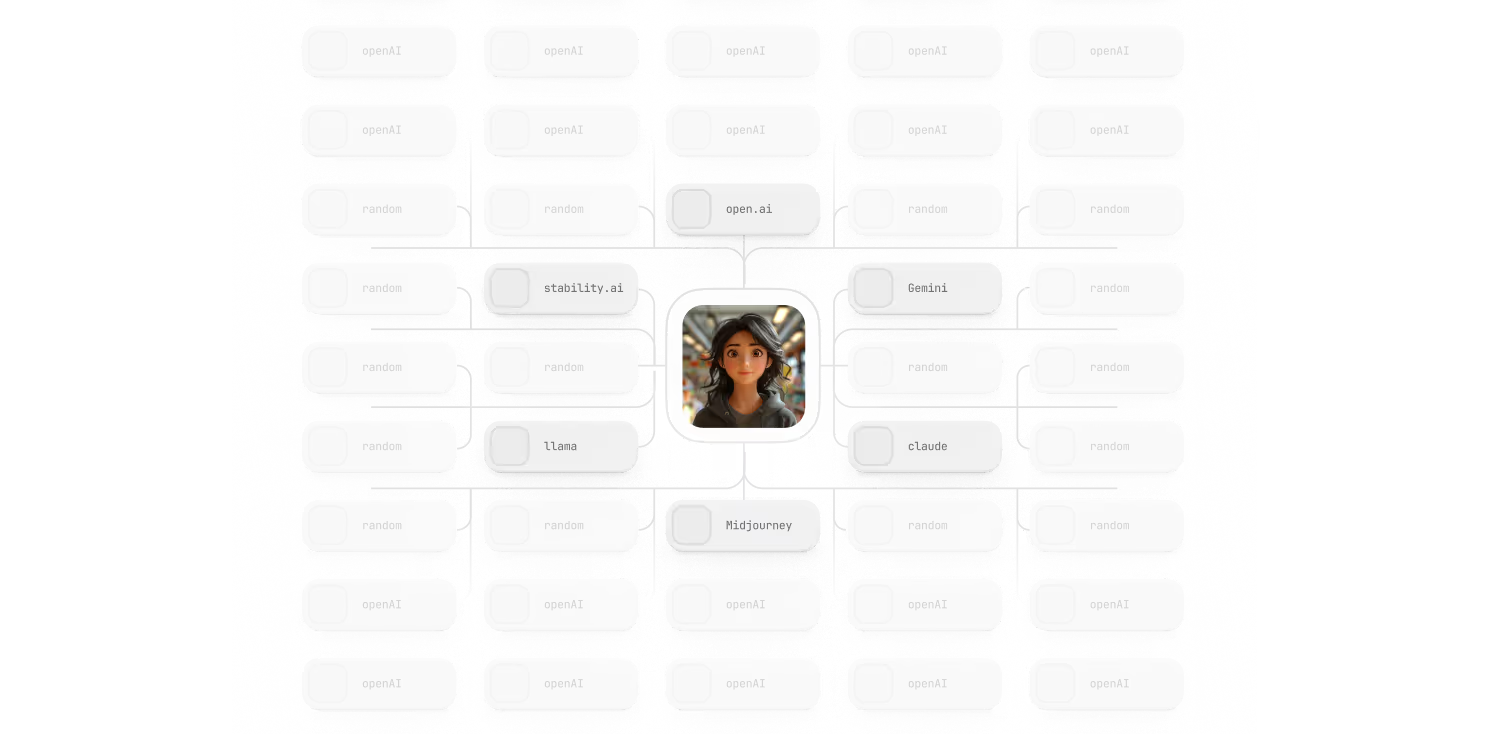
one agent in the middle with different llms connected to it
All the Best AI Tools Applied by Expert Agents
Find Your Perfect Agent

AI Marketing Agents that Work for You

Pam
Pinterest Agent
Learn more
Pam
Lana
Landing Page Agent
Learn more
Lana
Fibi
Facebook Post Agent
Learn more
Fibi
Red
Reddit Agent
Learn more
Red
Vee
Voice Assistant Agent
Learn more
Vee
Ines
Instagram Agent
Learn more
Ines
Betty
Chief Marketing Agent
Learn more
Betty
Aamir
Topic Research Agent
Learn more
Aamir
Naya
Content Formatting Agent
Learn more
Naya
Jose
Graphic Design Agent
Learn more
Jose
Erik
Website Scraping Agent
Learn more
Erik
Will
SEO Keywords Agent
Learn more
Will
John
Data Analyzer Agent
Learn more
John
Bob
Blog Article Agent
Learn more
Bob
Tiki
TikTok Script Writer
Learn more
Tiki
Xana
Xing Post Agent
Learn more
Xana
Tex
Threads Post Agent
Learn more
Tex
Ted
X Post Agent
Learn more
Ted
Mel
Mailing Agent
Learn more
Mel
Lin
LinkedIn Post Agent
Learn more
Lin
Sepp
SEO Article Agent
Learn more
Sepp
Pat
PR Article Agent
Learn more
Pat
Chan
Changelog Composer
Learn more
Chan
Lina
LinkedIn Article Agent
Learn more
Lina
Blue
Bluesky Post Agent
Learn more
Blue
Ben
Business Model Agent
Learn more
Ben
Pam
Pinterest Agent
Learn more
Pam
Lana
Landing Page Agent
Learn more
Lana
Fibi
Facebook Post Agent
Learn more
Fibi
Red
Reddit Agent
Learn more
Red
Vee
Voice Assistant Agent
Learn more
Vee
Ines
Instagram Agent
Learn more
Ines
Betty
Chief Marketing Agent
Learn more
Betty
Aamir
Topic Research Agent
Learn more
Aamir
Naya
Content Formatting Agent
Learn more
Naya
Jose
Graphic Design Agent
Learn more
Jose
Erik
Website Scraping Agent
Learn more
Erik
Will
SEO Keywords Agent
Learn more
Will
John
Data Analyzer Agent
Learn more
John
Bob
Blog Article Agent
Learn more
Bob
Tiki
TikTok Script Writer
Learn more
Tiki
Xana
Xing Post Agent
Learn more
Xana
Tex
Threads Post Agent
Learn more
Tex
Ted
X Post Agent
Learn more
Ted
Mel
Mailing Agent
Learn more
Mel
Lin
LinkedIn Post Agent
Learn more
Lin
Sepp
SEO Article Agent
Learn more
Sepp
Pat
PR Article Agent
Learn more
Pat
Chan
Changelog Composer
Learn more
Chan
Lina
LinkedIn Article Agent
Learn more
Lina
Blue
Bluesky Post Agent
Learn more
Blue
Ben
Business Model Agent
Learn more
Ben
See All Our Agents
snapshot of some agents
all agents for just 29€/month
See All Our Agents
Best LLMs included
FLUX AI
Gemini
Mistral AI
Midjourney
OpenAI
Claude
Brand voice setup included
Ongoing updates + improvements
Unlimited use of specialized agents
Supports social, blogs, email, ads & PR
Say whaaat? Get all the latest trends in marketing & AI. Packed in a short valuable format for you!